

Genio Admin
As design lead within the squad, I own UX for Genio Admin end to end, working closely with a Product Manager, Tech Lead, and Product Marketing Manager. It's the B2B SaaS platform academic institutions use to manage their access to Genio Notes, our flagship product for students, giving university staff real control over how those students are supported.
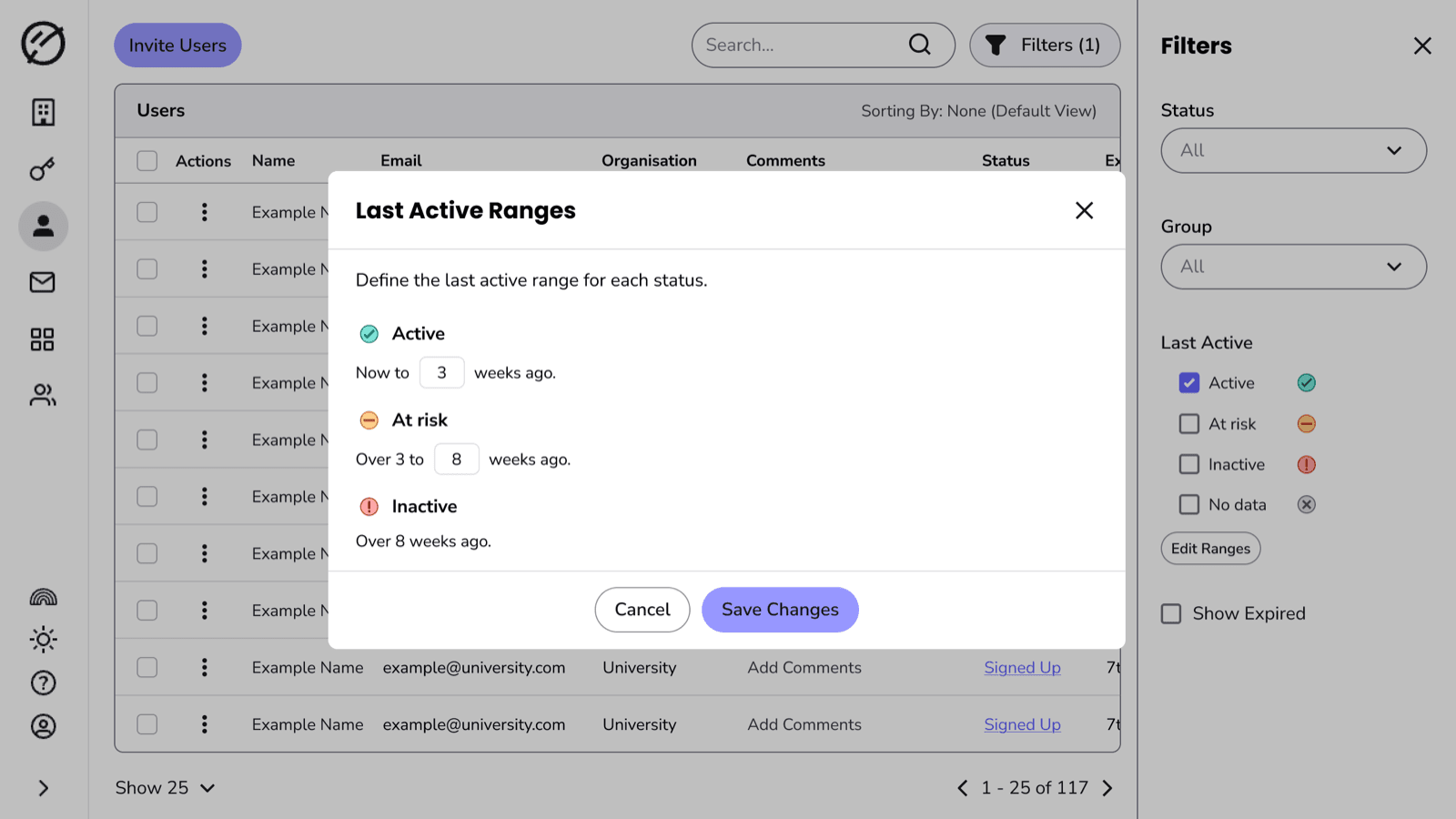
Last Active Filtering: a hidden definition, now admin-controlled
Shows how I tested a hunch about the real problem instead of speccing from it, replacing a fixed system with one admins define themselves.
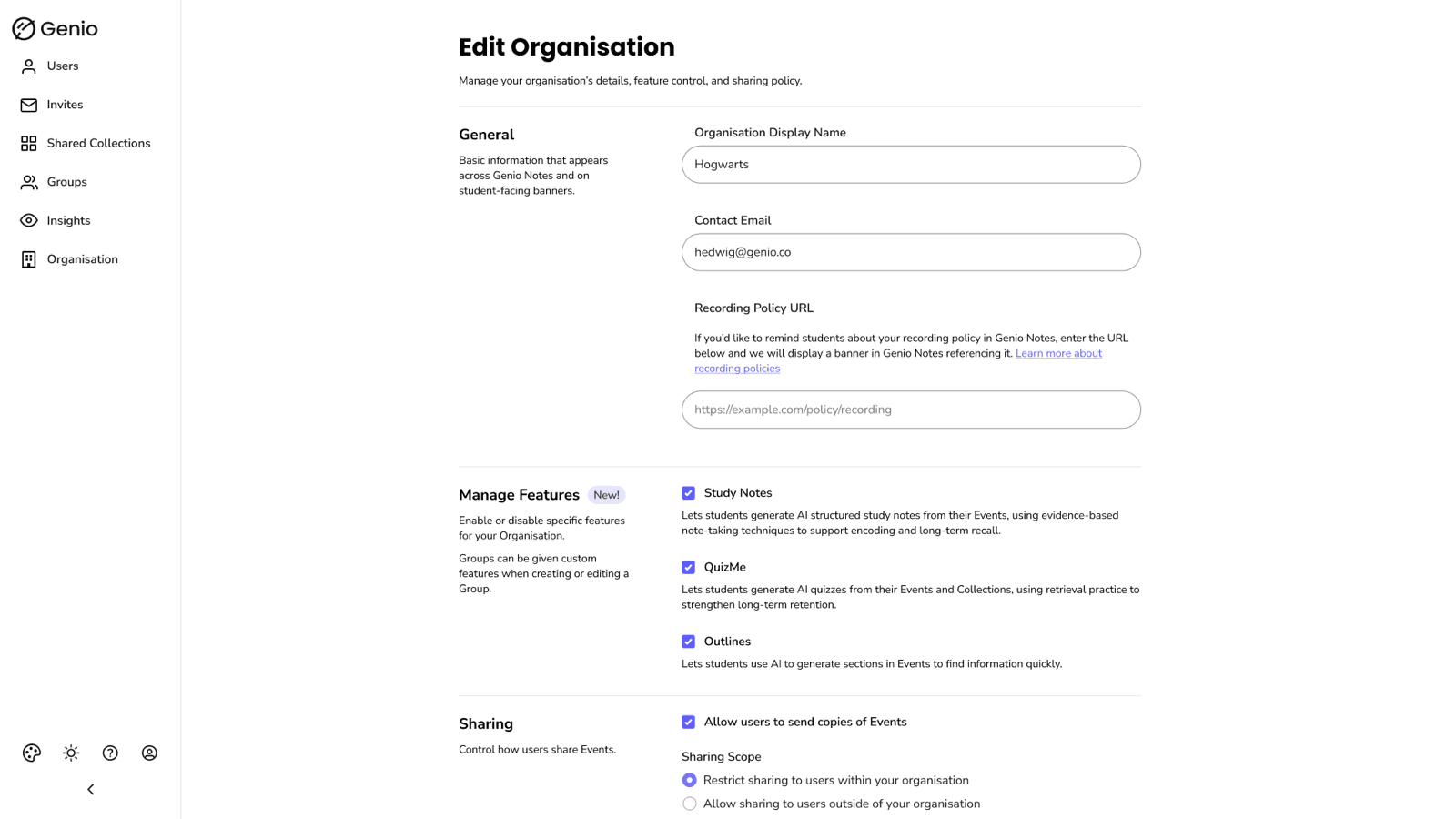
AI Feature Toggles: the feature I stopped us overbuilding
Shows how I managed cross-functional stakeholder feedback, stepped up to cover PM responsibilities while navigating ambiguity, and used systems thinking to avoid overbuilding a solution.
Concept Work
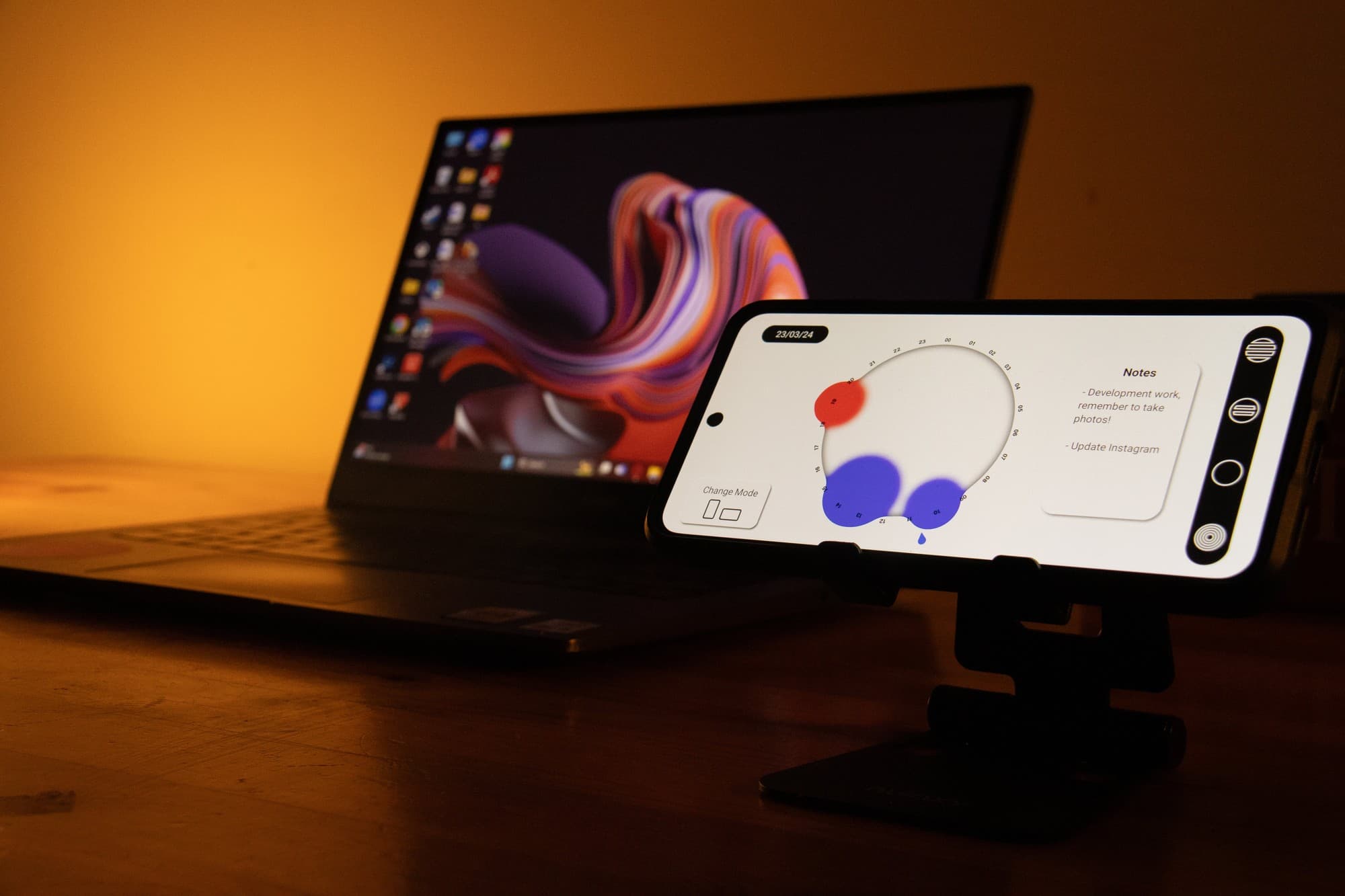
Memor: challenging conventional calendars with fluidity and tone of voice
Shows how I applied human-centred, 0-to-1 conceptual thinking to challenge convention through fluid visuals and tone of voice.
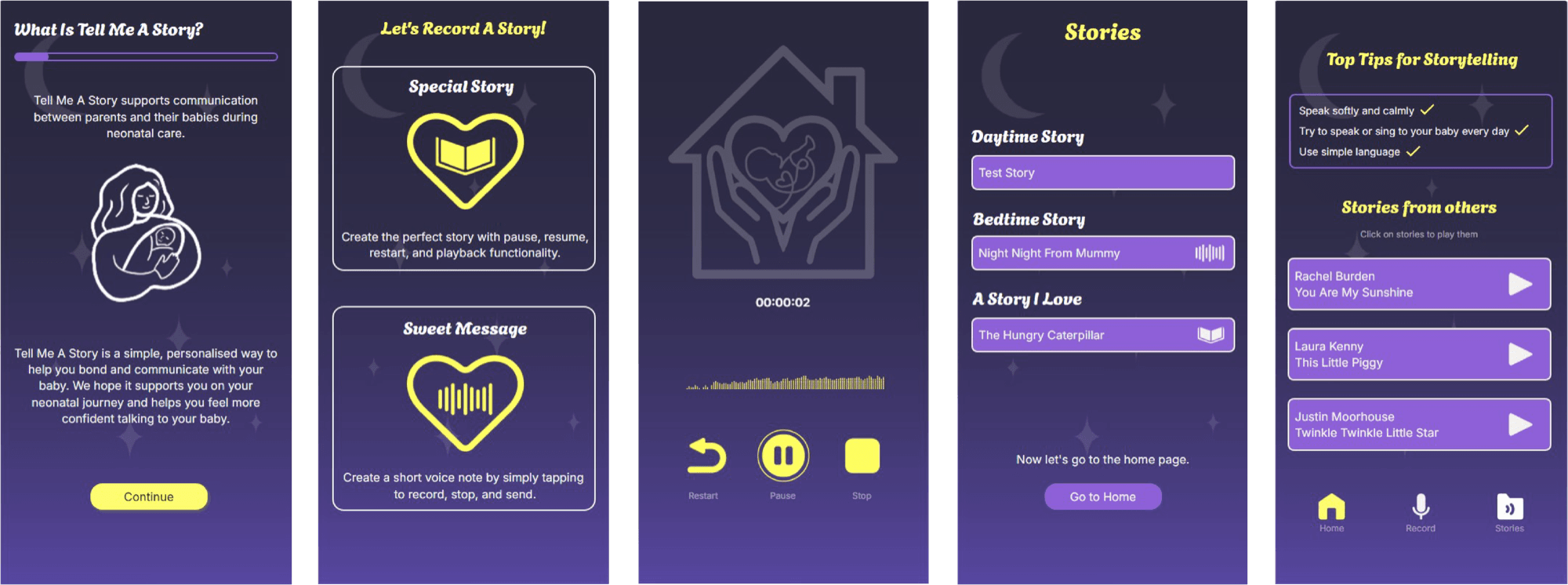
Tell Me a Story: giving parents a heartstring of attachment in a tough time
Shows how I created a 0-to-1 concept relying on human-centred design for parents who were going through a neonatal experience.
Accessibility
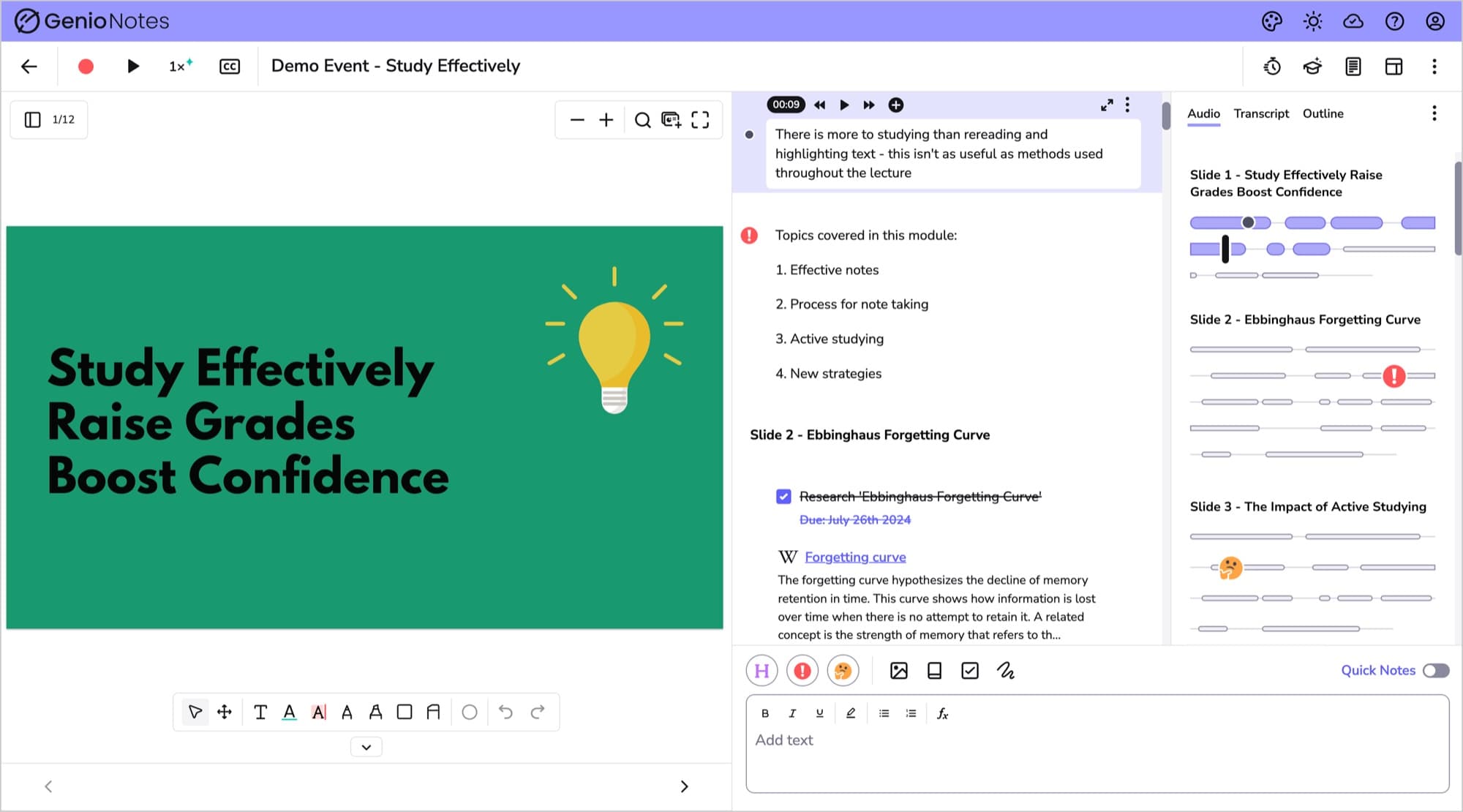
Making an audio interface accessible without making it visually loud
Shows how I balanced WCAG 2.1 AA compliance with usability testing and iterative design to solve for accessibility without sacrificing UX.